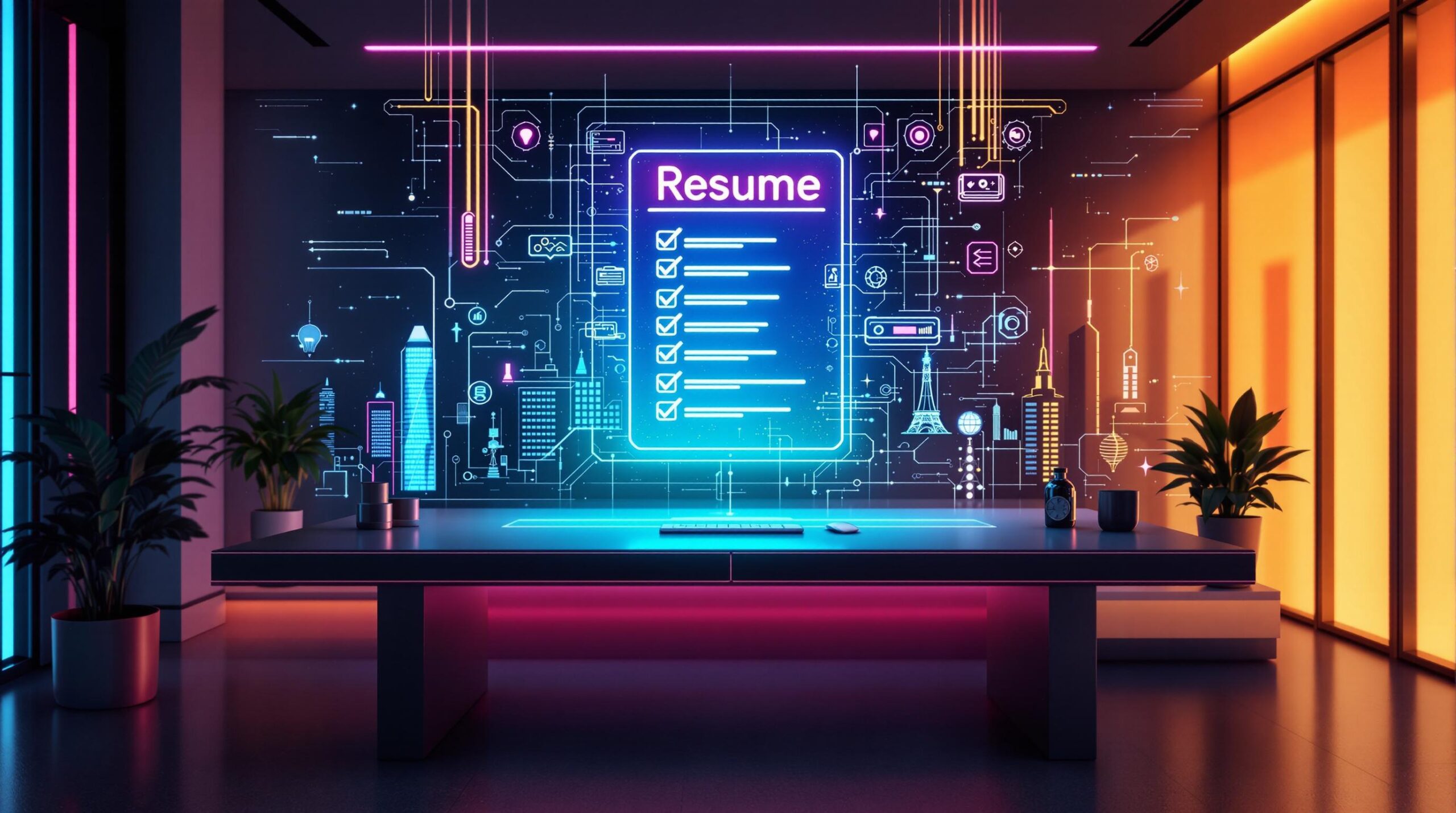
Want a resume that stands out in 2026? Here’s a quick guide to creating an ATS-friendly, recruiter-approved resume that highlights your skills and achievements effectively. Follow these steps:
- Use a clean, simple layout: Stick to reverse-chronological format, standard fonts (Arial, Calibri), and avoid graphics or tables.
- Optimize for ATS: Include relevant keywords from job descriptions, clear section headers, and save in
.pdfor.docxformats. - Focus on measurable achievements: Use action verbs and quantify results in work experience (e.g., “Improved sales by 25%”).
- Key sections to include: Contact info, professional summary, work experience, skills, certifications, and education.
- Leverage AI tools: Use tools like Dovira AI for keyword matching and ATS optimization.
Quick Comparison: Key Resume Tips for 2026
| Element | Best Practices |
|---|---|
| Formatting | Simple design, reverse-chronological layout, 10-12pt fonts, 1-inch margins |
| ATS Compatibility | Avoid graphics/tables, use job-specific keywords, clear section headers |
| File Type | Save as .pdf or .docx |
| Skills | Organize into technical, industry-specific, and soft skills |
| AI Tools | Use Dovira AI, Grammarly, or Resume AI for optimization |
This checklist ensures your resume passes ATS filters and impresses hiring managers in today’s competitive job market.
How to Create an ATS-Friendly Resume for Today’s Job Market (2026)
Key Sections Every 2026 Resume Needs
To stand out and get through both ATS systems and human recruiters, your resume must be clean, organized, and include specific sections.
Contact Information: What to Include
Stick to professional and relevant details in this section:
Must-Haves:
- Full Name
- Professional Email Address
- Phone Number
- LinkedIn Profile URL
Optional Additions:
- City and State (if relevant)
- Portfolio Website
- GitHub (for tech roles)
- Other industry-specific profiles
Crafting a Professional Summary
Write a short, 3-4 sentence summary that emphasizes your top skills and achievements. Tailor this to the job you’re applying for and include keywords that align with the role to improve ATS compatibility.
Highlighting Work Experience and Achievements
List your work history in reverse chronological order. For each role, include:
- Company Name and Location
- Your Job Title
- Dates of Employment (Month and Year)
- 3-5 Bullet Points on Achievements
Use action verbs and measurable results to make an impact. For example: “Increased team efficiency by 35% by implementing new project management tools.”
Skills and Certifications: What to Showcase
Organize your skills into categories that align with the job description:
- Technical Skills (e.g., programming languages, software expertise)
- Industry Knowledge (e.g., project management, data analysis)
- Soft Skills (e.g., leadership, communication)
- Certifications (list only current, relevant ones with dates)
Education and Optional Sections
For education, include your degree, major, institution, and graduation year, listed in reverse chronological order.
Optional sections, like awards or volunteer work, should only be added if they directly support the role you’re targeting. Highlight transferable skills wherever possible.
With these sections in place, ensure your resume is formatted to work seamlessly with ATS systems for maximum visibility.
Tips for Making Your Resume ATS-Friendly
In 2026, optimizing your resume for Applicant Tracking Systems (ATS) is more important than ever. These systems screen out up to 75% of resumes before they even reach a recruiter [2].
Using the Right Layout and Structure
To ensure your resume is easy for ATS to process, focus on these essentials:
- Stick to clear section headers and a single-column layout. Avoid using text boxes, graphics, or tables.
- Organize your content in a logical order with standard sections like “Experience”, “Education”, and “Skills.”
- Keep formatting consistent across the entire document.
Choosing Fonts, Margins, and File Types
Once your layout is ATS-friendly, refine your formatting for better readability and compatibility:
| Element | Recommended Options | Why It Matters |
|---|---|---|
| Fonts | Arial, Calibri, Helvetica | Standard fonts ensure proper ATS parsing. |
| Font Size | 10-12pt for body text | Strikes a balance between readability and space. |
| Margins | 1-inch on all sides | Prevents text from being cut off. |
| File Format | .pdf or .docx | These formats are widely accepted by ATS. |
How to Add Keywords from Job Descriptions
Using the right keywords can improve your chances of passing ATS filters by up to 50% [2][5]. Here’s how to do it effectively:
- Analyze and Integrate: Go through job descriptions to identify recurring skills and qualifications. Then, naturally weave these keywords into your resume. For example, instead of saying, “Managed projects”, write, “Led agile project management for 12+ member teams.”
- Optimize Your Skills Section: Use clear, industry-standard terms for your skills. Break them down into categories like:
- Technical Skills: Be specific, including versions (e.g., “Salesforce CRM 2024”).
- Industry Knowledge: Highlight methodologies (e.g., “Agile Scrum”).
- Core Competencies: Include soft skills relevant to the role (e.g., “Cross-functional team leadership”).
Using AI Tools to Improve Your Resume
In 2026, AI-powered tools have become a go-to solution for crafting resumes that stand out and pass ATS (Applicant Tracking System) scans. These tools are designed to fine-tune your resume’s content, structure, and overall appeal.
Dovira AI: Crafting Job-Specific Resumes
Dovira AI focuses on customizing resumes for specific job roles by leveraging advanced keyword matching and ATS optimization. A key feature is its ability to analyze job descriptions and suggest relevant keywords, helping your resume align with what employers are looking for.
| Feature | Free Plan | Paid Plan ($23.96/month) |
|---|---|---|
| AI Resume Builder | 3 tailored resumes | Unlimited custom resumes |
| Job Applications | Up to 3 applications | No limits |
| Keyword Matching | Basic level | Advanced AI-driven |
| Application Tracking | Limited features | Full tracking capabilities |
Additional AI Tools for Resume Writing
Here are some other AI tools that can enhance different aspects of your resume:
| Tool | Focus Area | Benefits |
|---|---|---|
| Grammarly | Writing Quality | Polishes grammar and improves clarity |
| Resume AI | Overall Review | Analyzes format, readability, and ATS compatibility |
| Big Interview | ATS Optimization | Helps your resume pass ATS filters |
“Job seekers can ‘beat ATS bots at their own game.'” – Big Interview [3]
While these tools can streamline the resume-building process, they work best when combined with your personal input. Keep your unique experiences and voice intact by focusing on:
- Polishing grammar and improving readability
- Ensuring ATS compatibility
- Tracking your application progress
- Customizing your resume for specific job postings
AI tools make it easier to create resumes that grab attention, but they should complement – not replace – your expertise and individuality. Let them refine your work while staying true to your professional story.
2026 Resume Checklist
Your resume needs to meet modern hiring expectations while appealing to both recruiters and applicant tracking systems (ATS). Use this checklist to ensure your resume is ready for 2026’s competitive job market.
Check Formatting and Accuracy
Formatting and accuracy are critical for both readability and ATS compatibility. Follow these tips:
- Maintain consistent headers, bullet points, and styling throughout.
- Use 1-inch margins, a 10-12 pt font, and save in .pdf or .docx formats.
- Run your resume through tools like Grammarly to catch errors.
- Use clear section labels that ATS systems can easily identify.
- Double-check that your contact details are current and professional.
Customize for Each Job
Tailoring your resume to each job increases your chances of standing out:
1. Include Relevant Keywords: Naturally integrate 60-80% of keywords from the job description [2].
2. Align Skills: Match your skills section to the job posting, focusing on qualifications the employer emphasizes. Use industry-standard terms that ATS systems recognize [5].
3. Highlight Achievements: Write experience bullets that showcase measurable results, such as “Boosted team productivity by 35% by introducing new project management tools.”
Keep It Professional and Concise
A well-polished resume is essential to make a strong impression:
- Stick to 1-2 pages, depending on your experience level.
- Use a clean, ATS-friendly design and focus on recent, relevant roles.
- Craft a professional summary that highlights your most relevant qualifications.
“The reverse-chronological format is recommended for most professionals as it emphasizes work experience and is easy to skim through” [1].
Before submitting, consider tools like Dovira AI or Resume AI to ensure your resume meets ATS requirements and effectively showcases your qualifications [3]. This checklist will help you create a resume that not only gets past ATS filters but also grabs the attention of hiring managers.
Conclusion: Build a Resume That Stands Out
Creating a resume that grabs attention in 2026 means blending tried-and-true methods with the latest tech-driven strategies. With ATS systems and AI playing a bigger role in hiring, it’s essential to design a resume that works for both algorithms and human reviewers.
To succeed, focus on these three key areas:
Technical Optimization: Use standard headers, clear formatting, and naturally include relevant keywords to ensure your resume gets through ATS filters.
Content Quality: Highlight measurable achievements instead of vague job descriptions. Emphasize results and relevant skills that align with the roles you’re targeting.
Visual Appeal: Stick to a simple, clean layout in a chronological format. This ensures your resume is easy to read, professional, and ATS-friendly.
As hiring processes evolve, tools like AI-powered resume builders can help you fine-tune your resume to meet modern standards while showcasing your career story. Research shows that optimizing for ATS can improve the chances of your resume reaching a recruiter by as much as 60-80% [2].
“A clean, minimalist design that emphasizes content readability while maintaining professional standards. The chronological format remains the most effective for showcasing career progression and achievements” [7].
Keep your resume up to date with your latest skills and tailor it to fit specific roles. AI-driven tools and optimization platforms have become essential for job seekers aiming to stay competitive [3]. By following these strategies, you can create a resume that not only makes it past ATS systems but also impresses hiring managers in today’s job market.
FAQs
Here are answers to common questions about improving your resume for the 2026 job market.
What is the best AI resume builder in 2026?
| AI Tool | Strengths |
|---|---|
| MyPerfectResume | Generates expert-level content. |
| ResumeGenius | Offers templates tailored to industries. |
| Enhancv | Scores resumes for ATS compatibility. |
| Resumaker.ai | Focuses on keyword optimization. |
| Dovira AI | Targets specific job requirements. |
| Rezi | Provides feedback on grammar, keywords, and formatting. |
What are ATS-friendly keywords?
Keywords depend on the job and industry. For instance, financial roles often emphasize terms like “financial analysis”, “budgeting”, “cost reduction”, and “risk management.” Research suggests that using the right keywords can boost your resume’s visibility in ATS systems by 60-80% [2].
How do you list skills on a resume for ATS?
Add a “Core Competencies” or “Areas of Expertise” section below your professional summary. Use standard terms from the job description to list both technical and soft skills [2][6].
What is the most ATS-friendly resume format?
The reverse chronological format is the best choice for ATS compatibility [1][4]. To maximize effectiveness:
- Use clear section headers.
- Stick to fonts like Arial or Calibri.
- Save your file as .docx or .txt.
- Avoid using tables, graphics, or text boxes.
- Incorporate relevant keywords.
“A clean, minimalist design that emphasizes content readability while maintaining professional standards. The chronological format remains the most effective for showcasing career progression and achievements” [7].
Tailor your resume to the job you want
Paste a job posting and Dovira rewrites your resume around it: the skills and keywords the employer asks for, and achievement bullets that match the role. Refine it in an AI chat and download a PDF. Your first 3 tailored resumes are free, no credit card needed.