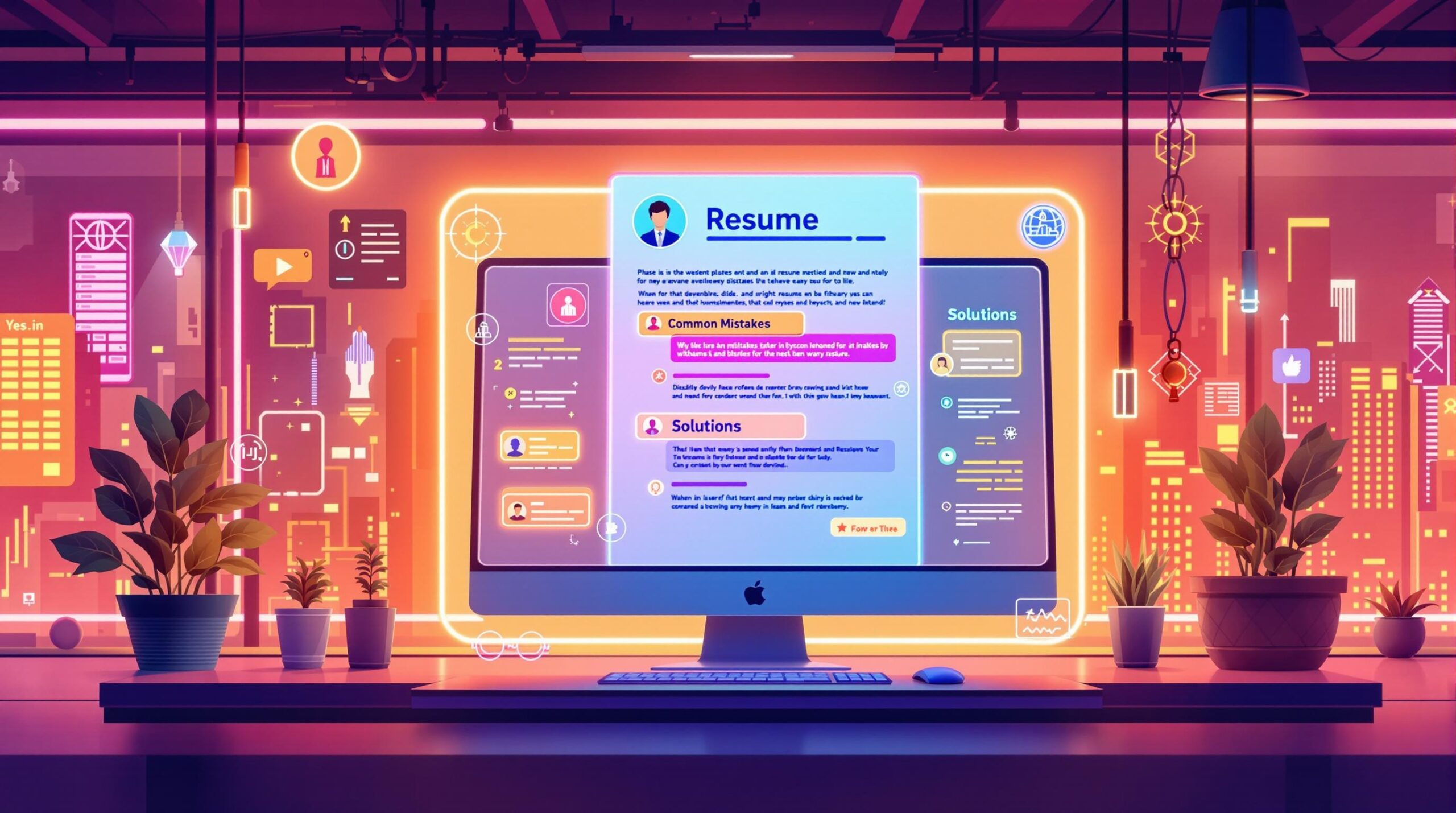
Struggling to land job interviews? Your resume might be the problem. Avoid these 7 common mistakes to improve your chances:
- Generic Resumes: Tailor your resume to each job using relevant keywords and achievements.
- Typos and Grammar Errors: Proofread carefully to avoid sloppy mistakes that hurt your credibility.
- Outdated Contact Info: Ensure your email, phone number, and LinkedIn profile are correct.
- Listing Duties, Not Achievements: Highlight measurable results to show your impact.
- Poor Design: Use a clean, simple layout that’s ATS-friendly and easy to read.
- Missing Keywords: Include terms from the job description to pass ATS filters.
- Leaving Out Key Details: Don’t skip internships, certifications, or transferable skills.
Quick Fix: Tailor your resume for each role, proofread thoroughly, and focus on measurable achievements. These small changes can make a big difference in getting noticed by employers.
5 Resume Mistakes You MUST Avoid
1. Using a Generic Resume for Every Job
Sending the same resume for every job application often backfires. It fails to address the specific needs of each role, making it harder to pass ATS software or impress recruiters. A one-size-fits-all resume typically misses important keywords and requirements unique to the position.
“Employers expect you to clearly show how and why you fit the position in a specific organization.” [1]
Recruiters can quickly tell when a resume hasn’t been customized. This lack of effort may come across as a lack of genuine interest in the role. Tailoring your resume not only helps you get through ATS systems but also demonstrates your commitment to the job by showing you’ve taken the time to align your experience with the company’s needs.
How to Tailor Your Resume
Customizing your resume doesn’t mean rewriting it entirely – it’s about making targeted adjustments. Use the job description as a guide to:
- Reflect key terms in your professional summary
- Highlight relevant achievements under work experience
- Match your skills with the qualifications listed in the posting
For instance, instead of a vague statement like “managed social media campaigns”, be specific: “increased engagement by 30% through strategic, targeted campaigns” [2].
| Resume Section | Customization Tip | Why It’s Important |
|---|---|---|
| Professional Summary | Use language from the job description | Makes your resume immediately relevant |
| Work Experience | Focus on role-specific achievements | Shows how your experience applies directly |
| Skills Section | Align with listed qualifications | Improves ATS compatibility |
Tools to Simplify Customization
AI tools can make tailoring your resume easier. For example, Dovira AI analyzes job descriptions and suggests relevant keywords to include. Here’s how to optimize your resume using such tools:
- Extract important terms from the job posting.
- Naturally integrate these keywords into your descriptions.
- Be truthful – ensure your resume accurately represents your skills and experience.
Tailoring doesn’t mean starting from scratch every time. Instead, tweak your core resume to emphasize the most relevant skills and experiences for each job. This focused effort can greatly improve your chances of landing an interview.
However, even the best-customized resume can fall flat if it contains errors that diminish your professionalism.
2. Typos and Grammar Errors
Mistakes in spelling or grammar on your resume can quickly undermine your credibility, no matter how impressive your qualifications are. Even one small error could cause your resume to be dismissed before anyone fully evaluates your skills and experience. This applies to both human reviewers and ATS systems, which often flag poor writing as a red flag [1].
Here are some common grammar issues to watch for:
| Error Type | Example | Why It Matters |
|---|---|---|
| Subject-Verb Agreement | “The team were successful” vs. “The team was successful” | Reflects poor writing skills |
| Tense Inconsistency | Switching between past and present tense in job descriptions | Creates confusion |
| Punctuation Errors | Missing commas or inconsistent bullet point endings | Appears careless |
How to Proofread Your Resume Effectively
To keep your resume polished and professional:
- Use Both Tools and People: Start with tools like Grammarly to catch basic errors, but don’t stop there. Ask a trusted friend or colleague to review your resume for anything the software might miss.
- Step Away Before Proofreading: After writing, take a break. Then, read your resume aloud. This helps you notice awkward phrasing or overlooked mistakes.
- Stay Consistent: Make sure your formatting (like bold text, italics, and bullet points) and punctuation styles are the same throughout. If you use periods at the end of bullet points, do so consistently.
Taking the time to proofread shows that you care about quality and details – traits employers look for. A flawless resume ensures your achievements and qualifications shine through without distractions [2].
3. Wrong or Outdated Contact Details
Having incorrect contact details on your resume can seriously hurt your job search. Even if your resume is perfectly written, it won’t matter if employers can’t get in touch with you.
“Employers will also take a dim view of any resume that contains incorrect or incomplete contact information” [4]
Mistakes like outdated phone numbers, incorrect email addresses, or non-functional LinkedIn URLs can make you miss out on opportunities.
How to Ensure Your Contact Info Is Correct
Here’s a quick checklist to keep your contact information up to date and error-free:
- Use a professional email address (e.g., firstname.lastname@domain.com) and check it regularly.
- Test the phone number on your resume by calling it from another device.
- Open your LinkedIn URL in an incognito browser to confirm it works.
- Maintain a record of your current contact details, including:
- Primary phone number
- Professional email address
- LinkedIn profile URL
- City and state
- Professional website, if you have one
- Review and update your contact info monthly or before sending out applications.
Taking a few minutes to verify your contact details can save you from missing important calls or emails.
4. Listing Job Duties Instead of Achievements
A common mistake on resumes is listing your daily responsibilities instead of showcasing what you actually achieved. Duties explain what you were supposed to do, but achievements highlight the impact you made and the value you brought to your previous roles.
For instance, instead of saying “responsible for customer service”, reframe it to show results: “Increased customer satisfaction ratings by 20% through proactive issue resolution and personalized service.” This approach demonstrates your contributions and skills more effectively.
How to Highlight Your Accomplishments
Try using the PAR Method (Problem-Action-Result) to structure your achievements. Start by identifying a challenge, explain the actions you took, and end with measurable results. Use strong action verbs like “achieved”, “increased”, or “generated”, and focus on outcomes, not just processes.
Here’s an example of turning basic job duties into impactful achievements:
| Job Duty | Achievement |
|---|---|
| Managed social media | Gained 20K new Instagram followers in 6 months through targeted campaigns |
| Led sales team | Increased quarterly revenue by 35% after implementing a CRM system |
| Handled customer support | Cut response times from 24 to 4 hours, boosting satisfaction to 92% |
When crafting achievement-focused statements:
- Incorporate numbers and percentages to quantify your results.
- Highlight any improvements you made to systems or processes.
- Show leadership and initiative when relevant.
- Tailor your achievements to align with the job you’re applying for.
Focusing on your accomplishments not only makes your resume more engaging but also helps employers understand your potential impact. Presenting these achievements clearly and effectively is just as important as the content itself.
5. Poor Layout and Design Choices
A messy or overly complicated resume can hurt your chances before recruiters even glance at your qualifications. A well-structured design ensures your resume delivers key information clearly and quickly.
How to Create a Clean, Professional Layout
Simplicity is the foundation of a strong resume layout. Stick to a consistent font size (10-12 points) and keep margins at least 0.5 inches wide. Opt for easy-to-read fonts like Arial, Calibri, or Times New Roman.
Here are some tips for formatting:
- Use bold headers and white space to separate sections clearly.
- Maintain consistent spacing throughout the document.
- Stick to black and one accent color for a polished look.
- Double-check that all text aligns properly for a professional appearance.
If you’re unsure where to start, tools like Canva offer templates that are simple yet visually appealing. Dovira AI’s resume builder also provides ATS-friendly designs that balance aesthetics with functionality.
Getting Feedback on Your Resume Design
“If the resume had an ingenious design, it took me a few extra seconds to situate myself on the page, and most often, I did not have those extra seconds.” [6]
This recruiter’s insight underscores the importance of testing your resume’s design. Share your resume with colleagues or mentors and ask for feedback on how easy it is to read and navigate. Focus on first impressions and overall clarity.
Design mistakes to avoid include:
- Overcrowded text with little to no white space.
- Inconsistent formatting between sections.
- Layouts that confuse ATS software.
- Tiny fonts that make content hard to read.
- Using multiple columns that disrupt ATS parsing.
Even the most polished design won’t help if it confuses ATS systems or fails to highlight the right keywords. Keep it simple, readable, and ATS-friendly to maximize your chances.
6. Missing Keywords for ATS
Your resume’s design is important, but the content matters just as much – especially when it comes to keywords. Applicant Tracking Systems (ATS) filter resumes based on keyword relevance. If you’re not using the right terms, your application might not even reach a human recruiter.
How to Find the Right Keywords
To identify the most relevant keywords, analyze multiple job descriptions for the role you’re targeting. Here’s a simple approach:
Study Job Requirements: Gather 3-5 job postings for similar roles and look for commonly repeated terms. Focus on:
- Technical qualifications like certifications and specific tools
- Industry jargon and terminology
- Key responsibilities and expected achievements
| Resume Section | Keyword Integration Tips |
|---|---|
| Professional Summary | Add 2-3 primary keywords from the job description. |
| Skills Section | Highlight technical skills and tools listed in the posting. |
| Work Experience | Naturally include keywords in your achievements. |
| Education | Use exact names for degrees and certifications. |
Using AI to Match Keywords
AI tools such as Dovira AI can help analyze job descriptions and pinpoint the most relevant keywords. These tools ensure your resume aligns with ATS requirements while staying easy to read.
“The strength of your skills is determined not just by the presence of keywords, but by their frequency and placement throughout your resume” [5]
Tips for effective keyword usage:
- Use both full terms (e.g., “Search Engine Optimization”) and acronyms (e.g., “SEO”) where applicable.
- Integrate keywords naturally into your achievements and skill descriptions.
- Place critical keywords 2-3 times throughout your resume to catch ATS attention without overloading the text.
- Show how you’ve applied these skills in real-world scenarios.
Common mistakes to avoid:
- Displaying skills in graphics or images (ATS can’t read them).
- Using non-standard job titles instead of widely recognized terms.
- Formatting with tables, as many ATS systems struggle to process them.
For management roles, focus on leadership-related terms and include metrics that highlight your impact.
7. Leaving Out Important Details
Using the right keywords can help your resume get through ATS filters, but skipping key details can still hurt your chances. Many people overlook how part-time jobs, internships, or volunteer work can highlight transferable skills that employers value.
What to Include in Your Resume
Make sure your resume reflects your qualifications and aligns with the job description. Here’s what to focus on:
| Resume Element | What to Include | Why It Matters |
|---|---|---|
| Work Experience | Part-time jobs, volunteer roles, internships | Demonstrates consistent effort and a strong work ethic |
| Skills | Technical and soft skills with examples | Shows you’re well-rounded and capable |
| Achievements | Measurable results, project outcomes | Highlights your contributions and effectiveness |
| Education | Relevant courses, certifications, training | Confirms your knowledge and dedication to growth |
Highlight All Relevant Experience Transferable skills like problem-solving, teamwork, time management, and customer service can make a big difference, even if they come from unrelated roles. For example, instead of saying “responsible for customer service”, try something like “boosted customer satisfaction by 27% by introducing new service protocols.”
Key Details to Add:
- Certifications and professional development efforts
- Language skills
- Technical expertise
- Leadership roles, even in informal settings
- Memberships in professional organizations
- Presentations or published work
- Context for your work (e.g., team size, budgets, tools) to clarify your contributions
AI tools can help you spot gaps in your resume by comparing it to job descriptions. This approach ensures you don’t miss crucial details that could boost your application.
Leaving out these elements can make your resume feel incomplete and raise doubts about your qualifications. A well-rounded, tailored resume not only strengthens your application but also helps you stand out in a competitive hiring landscape.
Conclusion: How to Avoid Resume Mistakes
Making your resume stand out starts with avoiding common pitfalls like typos, generic content, and outdated information. With over 75% of Fortune 500 companies using ATS systems, optimizing your resume is more important than ever [3].
To increase your chances of landing an interview, ensure your resume includes job-specific keywords and highlights measurable achievements. Research shows that tailored resumes are three times more likely to result in interview invitations compared to generic ones.
Tips to Strengthen Your Resume:
- Highlight measurable achievements instead of listing responsibilities.
- Use formatting that works well with ATS and include relevant keywords.
- Keep your contact details and skills section up-to-date.
- Customize your resume for each job application.
Your resume is often your first interaction with a potential employer, so make it count. Tools powered by AI can help you spot missing keywords and provide job-specific suggestions while ensuring your resume still feels personal and genuine.
Think of your resume as a snapshot of your career story. By addressing these common mistakes and applying the strategies shared, you’ll create a document that clearly communicates your expertise and value to employers.
FAQs
What is the greatest resume mistake?
Typos and grammatical errors top the list of resume mistakes. They suggest a lack of attention to detail and professionalism, often leading employers to reject applications outright. While any resume mistake can hurt your chances, spelling and grammar errors are consistently seen as the most harmful [7].
To avoid these errors, try these steps:
- Use tools like Grammarly or Microsoft Editor to catch mistakes.
- Review your resume at different times of the day to spot overlooked issues.
- Ask at least two people to proofread for a fresh perspective.
- Read your resume backward, word by word, to catch spelling errors.
Reading your resume out loud can also help you notice awkward wording or grammar issues that might slip through silent reading.
While typos are the most obvious pitfall, addressing all seven mistakes mentioned in this article will help ensure your resume stands out for the right reasons – boosting your chances of landing an interview.
Tailor your resume to the job you want
Paste a job posting and Dovira rewrites your resume around it: the skills and keywords the employer asks for, and achievement bullets that match the role. Refine it in an AI chat and download a PDF. Your first 3 tailored resumes are free, no credit card needed.